I Broke Production With a PWA Cache Bug: 7 Fixes That Finally Worked
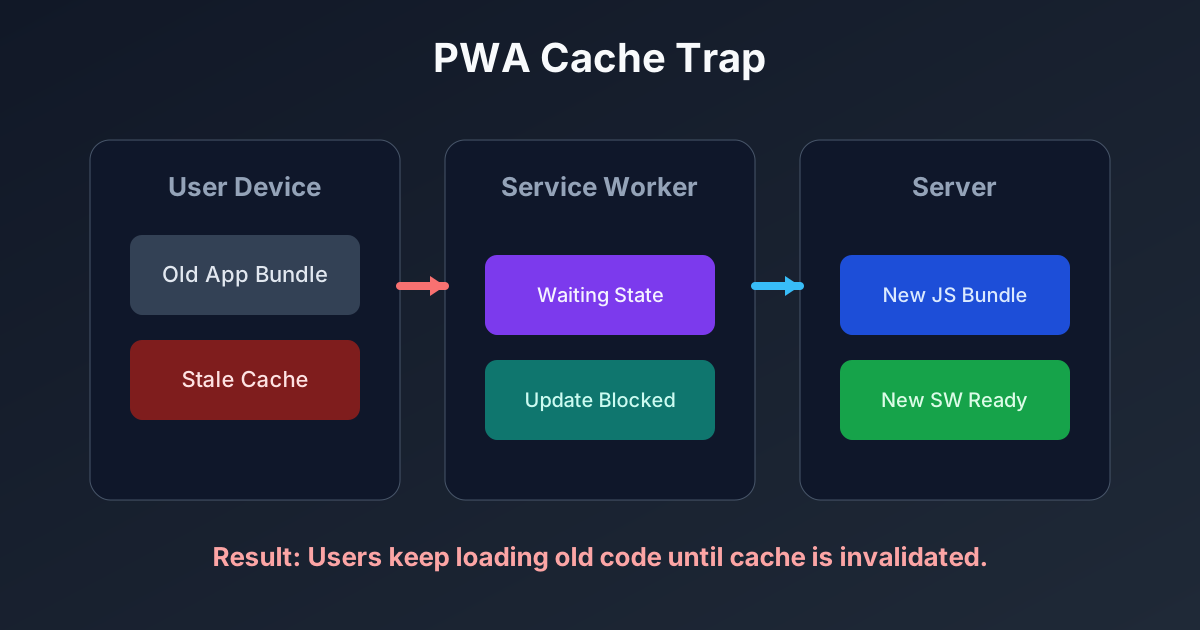
I pushed a hotfix, went to sleep, and woke up to angry emails. Users were still seeing old code. My production bug was not the feature itself, it was stale PWA cache.
3 SEO Title Options (With Numbers)
- I Broke Production With a PWA Cache Bug: 7 Fixes That Finally Worked
- 5-Step Next.js PWA Cache Recovery Plan (After Users Get Stuck)
- 9 Service Worker Mistakes I Made Before My 2 AM Debugging Session Ended
Why This Matters for Tool Sites
If your users open calculators from home screens, stale caches can freeze old logic for days. That means wrong outputs and zero trust.
In my case, the broken screen was on the Clay Shrinkage Calculator. The UI fix existed on the server, but many devices never loaded it.
Personal Experience #1: The Exact Error That Started the Spiral
I reproduced the issue on an older iPad and got this:
An unknown error occurred when fetching the script.
ServiceWorker registration failed: TypeError: Failed to register a ServiceWorker...
Then another issue appeared in my logs:
Error: Text content does not match server-rendered HTML
That told me I had two overlapping problems: stale cached assets and hydration mismatch on specific sessions.
Pro Tip: Keep Service Worker logs visible in production diagnostics. Silent cache failures look like random user mistakes until you inspect registration state.
My Debugging Process (No Guessing)
- Reproduced on real devices, not only desktop emulation.
- Compared
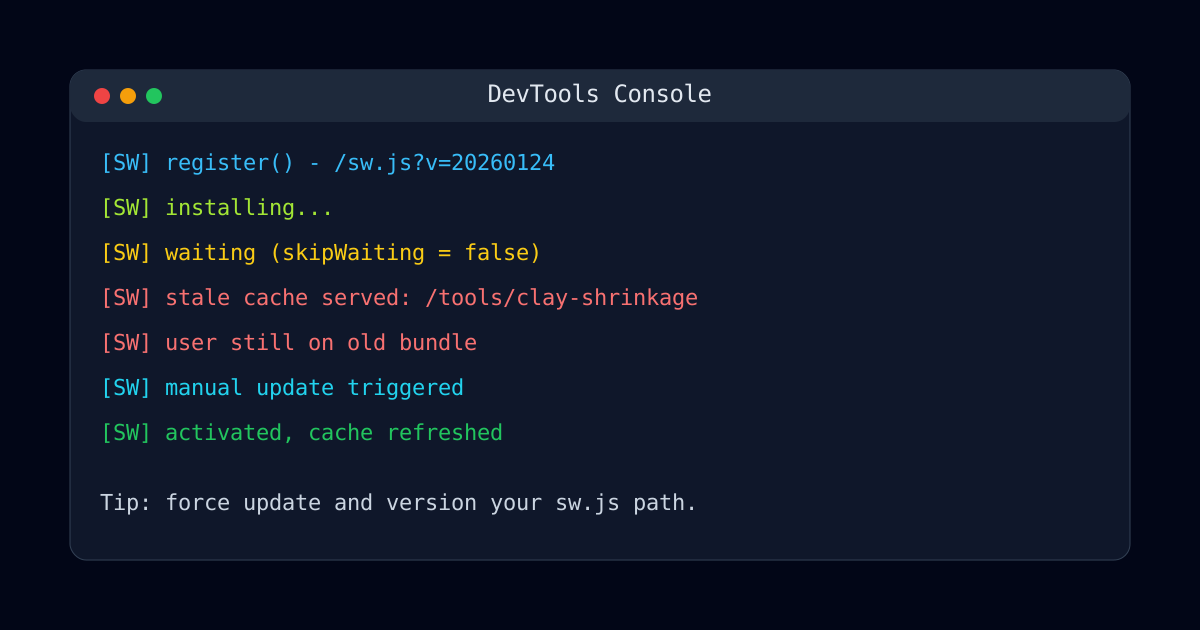
sw.jsresponse headers between fresh and stuck sessions. - Logged registration lifecycle events (
install,waiting,activate). - Forced update checks and measured reload behavior.
- Rolled out a versioned worker path.
Personal Experience #2: The Fix I Resisted but Needed
I had commented out skipWaiting earlier because I feared hard refresh side effects.
That caution backfired.
Some iOS sessions kept old workers alive far longer than expected.
I switched to explicit versioning and a guarded update flow. Yes, a few users saw one extra reload. But they finally got the working build.
Cache Strategy Comparison Table
| Deployment Choice | What I Tried | What Happened | What I Use Now |
|---|---|---|---|
skipWaiting: false | "Safer" passive updates | Many users stuck on old app shell | Enable with clear release notes |
Static sw.js URL | No version parameter | Browser reused stale worker aggressively | Add version query per release |
| Device testing | Desktop only | Missed iOS persistence behavior | Test at least one real iOS and Android device |
| Rollback plan | None | Panic during failed rollout | Keep last known good build ready |
Personal Experience #3: The Checklist That Saved My Next Release
For the next deploy, I used a release checklist. I tested core tools like Yarn Yield Estimator and 3D Print Cost Calculator with a cold cache and a warmed cache.
That one checklist cut my post-release bug reports dramatically. I still move fast, but I no longer skip cache validation.
Pro Tip: Add one "stale cache smoke test" to every release. It is cheap insurance and catches the ugliest production bugs.
If you are also debugging edge-case failures, you may like this post too: I Lost a Weekend to a NaN Quote Bug. The root cause is different, but the debugging mindset is the same.
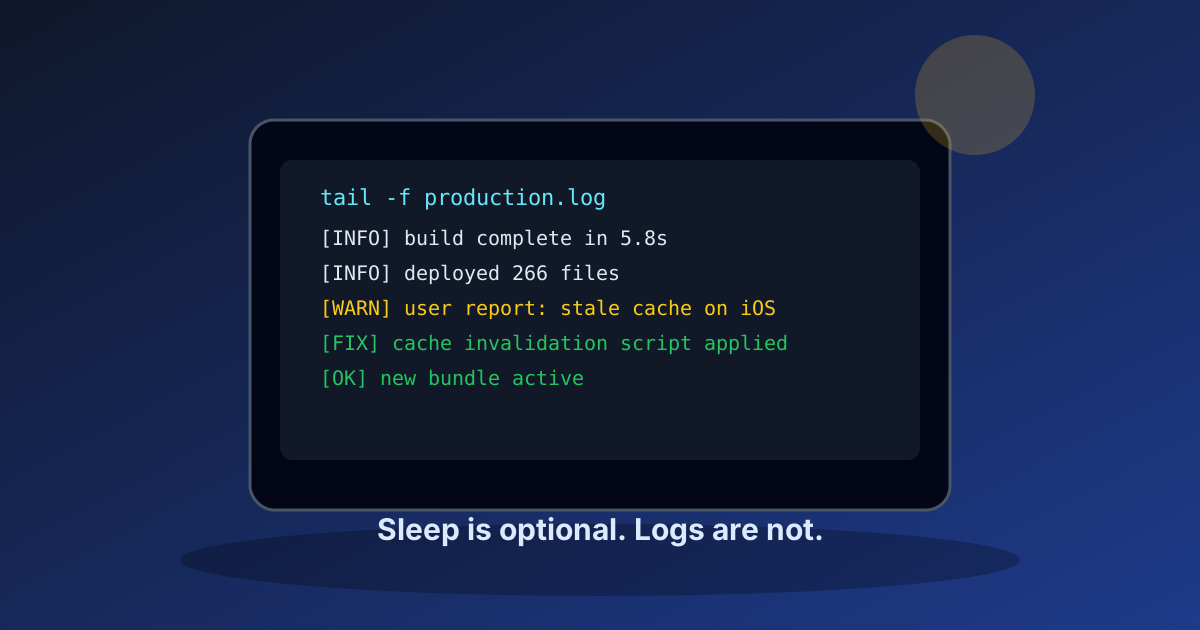
Test the Live Calculators After Every Deploy
Run one real input through each tool after release so stale cache bugs fail fast, not in your inbox.
If you have a nasty Service Worker failure case, leave it in the comments. I can publish a dedicated teardown with reproducible steps.
Meta Description (140 chars): Next.js PWA cache bug guide: 7 practical fixes from a real production outage, with Service Worker debugging steps and safer release reviews.